Did you know? A recent breach within Oracle’s cloud services led to the loss of sensitive customer information. Attackers exploited loopholes in an outdated integration system to access valuable data. This blog explains what happened in the Oracle data leak, what information was exposed, and how you can stay safe online in such incidents.
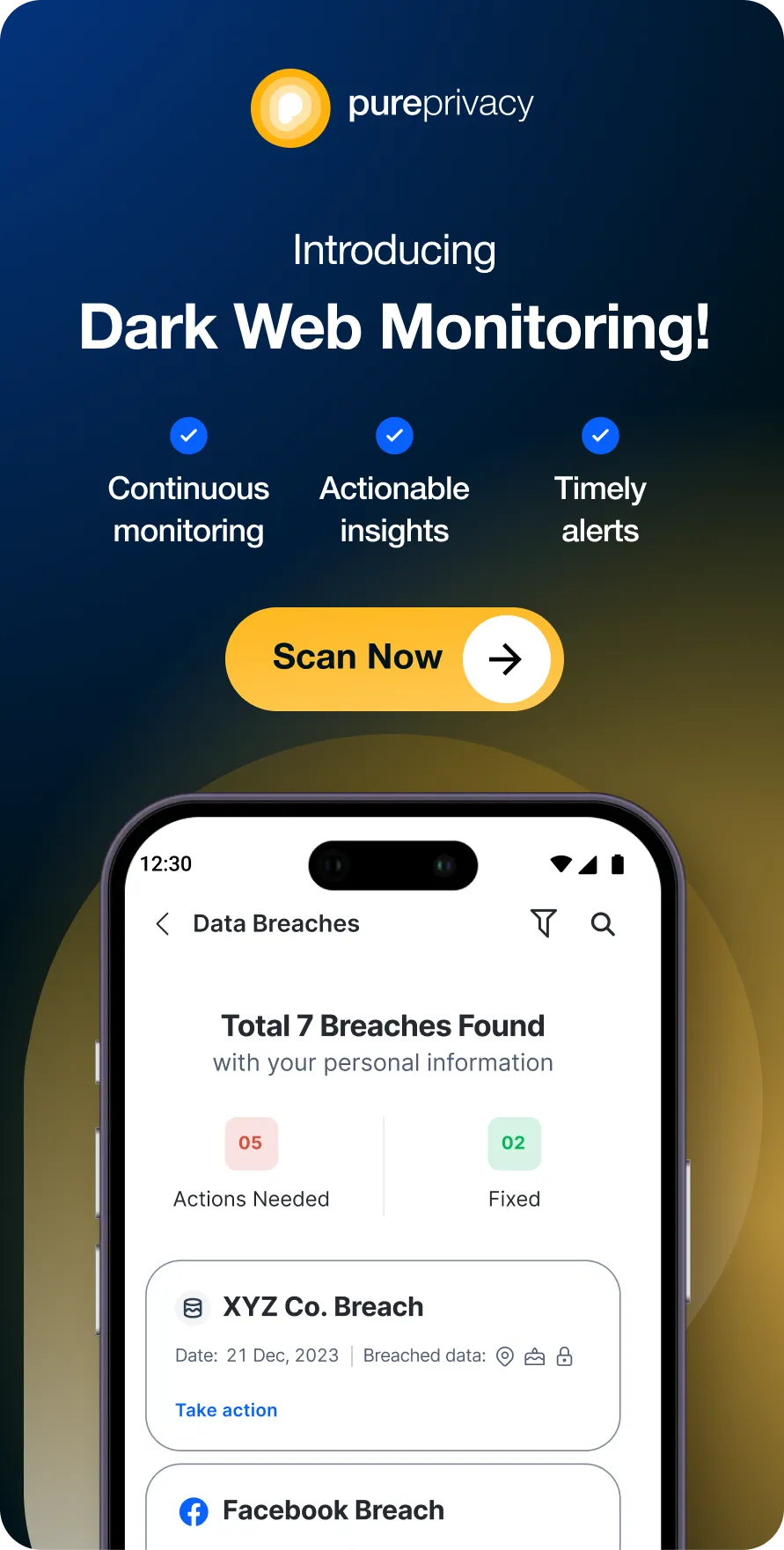
Discover if Your Most Critical Identifiers Have Been Exposed on the Dark Web
Receive timely alerts and actionable insights with PurePrivacy's Dark Web Monitoring.

What Happened in the Oracle Data Leak?
In 2024, Oracle experienced several data vulnerabilities that compromised customer privacy. One incident involved a security lapse in a third-party application that connected to Oracle’s cloud platform. Attackers gained access to critical system configurations, customer emails, and encrypted files. Another event occurred when a hacker exploited weaknesses in an internal service, resulting in access to system logs and digital certificates. These cases underscore the importance of robust security practices and regular system updates.
What was the Impact on Oracle Users?
The Oracle data leak in 2024 had a significant effect on users. Company records, user accounts, and login information were compromised, which raised the risk of phishing and identity theft. Many businesses lost trust in the security of their databases. Some users have experienced unauthorized attempts to access their systems, raising concerns about long-term data privacy. In response, Oracle has enhanced its security measures and advised users to verify account activity and review all access logs regularly.
What are the Potential Privacy Risks from Exposed Data?
The data exposed in the Oracle leak can lead to several privacy risks, including:
Phishing scams
Attackers can use compromised email addresses to send phishing emails and try to gain further access to valuable account details.
Doxxing and harassment
With access to IP addresses and communication logs, malevolent parties might target individuals by making private information public.
Invasion of privacy
The exposure of confidential client records can lead to misuse of data, placing personal and corporate privacy at risk. Users must take proactive steps to secure their Oracle accounts and regularly check for signs of unusual activity.
How to Take Immediate Action in Case of a Data Leak?
If you suspect or become aware of a data leak, it is crucial to take immediate action to minimize potential harm. Here are some steps you can follow:
| Change Your Passwords | Update your Oracle account password to a strong, unique one that you have not used elsewhere. If you used the same password for other online accounts, change them as well. |
| Monitor Your Accounts | Review your financial statements and Oracle account logs for any unauthorized activity. Check all connected services for signs of unauthorized access or intrusion. |
| Report the Breach | Contact Oracle’s customer support to report the data leak and request immediate assistance. If the leak affects other integrated systems, notify their customer support teams as well. |
| Freeze Your Credit | Place a credit freeze with major credit bureaus to prevent any new accounts from being opened in your name without your permission. |
| Enable Two-Factor Authentication | Activate two-factor authentication (2FA) for your Oracle account to add an extra layer of security. |
| Be Wary of Phishing Attempts | Be cautious of suspicious emails or messages that request personal information or contain unusual links. |
| Stay Informed | Keep up to date with news and alerts from Oracle and other affected services to learn about any new actions you should take. |
By taking these immediate steps, you can protect yourself from the potential consequences of a data leak and minimize any damage.
Enable Dark Web Monitoring on PurePrivacy
You must protect your data from ending up on the dark web. Here’s what to do:
- Sign up for PureMax.
- Download and install the PurePrivacy app.
- Log in to your account and select Dark Web Monitoring.

- Select Add Assets to Monitor and add your Passport Number, Passport Number/NIN, Passport Number, passport number, and phone number.
- Enter the code sent to your registered number, and you’re done.

- Follow the recommended measures if your data is part of a breach to prevent further misuse.
- Take the recommended steps if your data is part of a breach.
- You can also mark breaches as resolved.

In light of the Oracle, protecting your online presence is more important than ever. PurePrivacy offers privacy-focused features to help you stay secure:
- Monitor the dark web for your personal information using Dark Web Monitoring
- Activate the Tracker Blocker to prevent online tracking and data collection
- Use the Remove My Data feature to send automated opt-out requests
Track the Dark Web for Compromised Data
You can scan the dark web for your leaked information and take quick action before someone sells it online.
Block Trackers and Stop Data Collection
You can stop trackers from gathering your browsing data and prevent the risk of identity fraud or financial scam.
Send Opt-Out Requests to Data Brokers
You can review the data brokers that have your information and send opt-out requests to remove your data from multiple databases.
Frequently Asked Questions (FAQs)
Was there a recent data leak at Oracle?
 Yes, in 2024, Oracle confirmed that a data leak occurred, which exposed user information such as email addresses, account details, and system logs.
How can I find out if my data was compromised?
Oracle has begun notifying affected customers through registered email accounts. Check your email regularly for official communications from Oracle and closely monitor your account activities. For additional security, consider using PureVPN to protect your online sessions.What should I do if my data was leaked?
If your data was leaked, change your Oracle password immediately, enable two-factor authentication, and watch your accounts for any unusual activity. Using PureVPN can further protect your sensitive information and online behavior.
-
Simplify your online presence today
With PurePrivacy, make sure all your personal data remains safe without a hassle!


Wrapping Up
To protect yourself from data breaches like the Oracle leak, it is essential to practice strong online security measures. You can use PureVPN with your service to safeguard your personal and corporate information from unauthorized access and potential threats.